01
Authentication
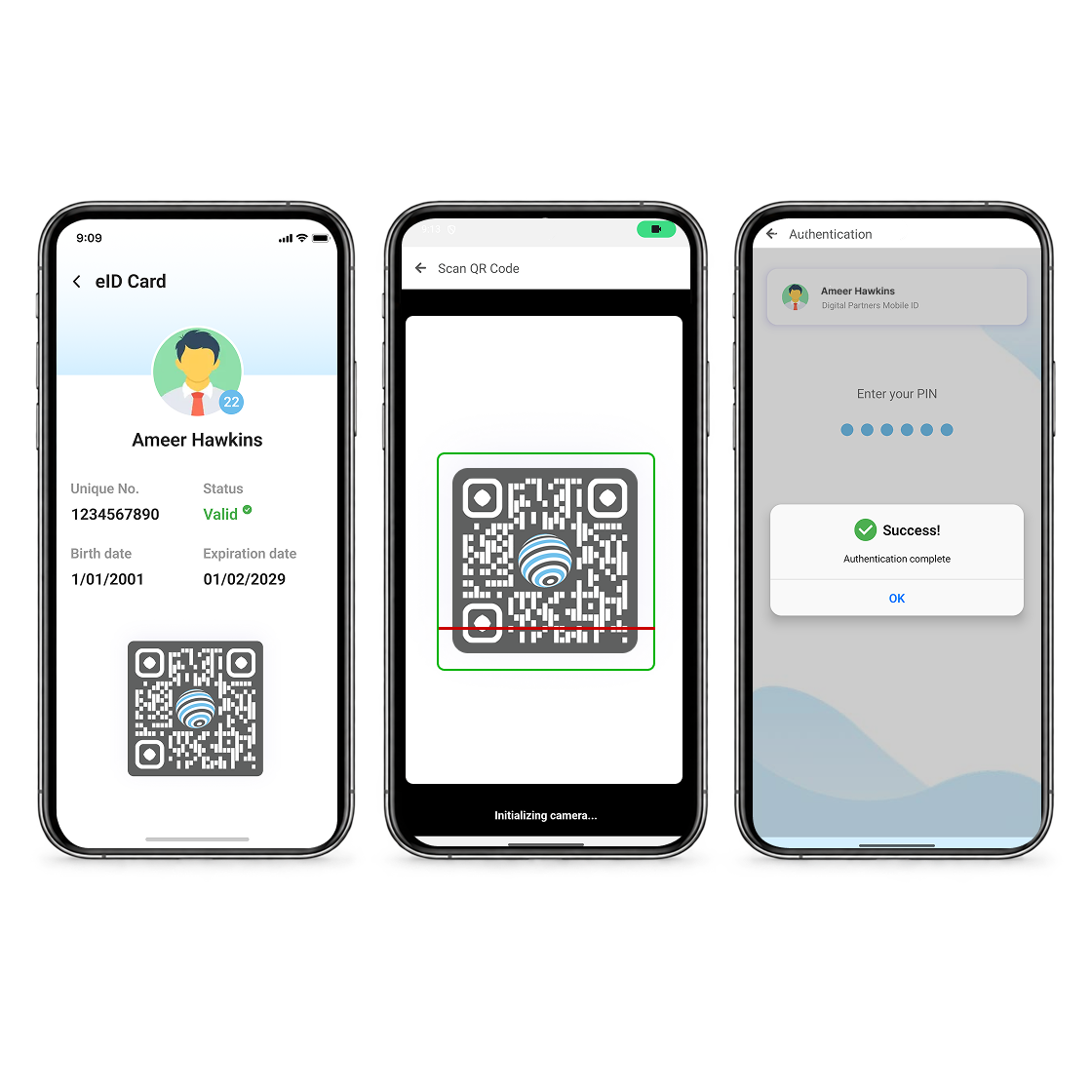
A citizen signs in to a public or private service using their credential and a PIN or biometric, replacing passwords and one-time SMS codes. The citizen initiates the flow.


Digital Partners builds Mobile ID: a platform that puts a government-issued credential on a citizen’s own phone, verifiable in seconds, anchored in the issuing state’s own certificate infrastructure.

National deployment delivered and formally accepted by a sovereign government
Authentication · Payment authorisation · e-Signature · Identity verification
Istanbul, Türkiye · Türkiye Tech Visa programme · branch office in Nairobi, Kenya
Mobile ID turns a government-issued identity into a credential the citizen carries on their own device. It is activated in person at an office the issuing authority designates, bound to a single device, and presented by QR code when the citizen chooses to present it.
The credential is not a photograph of a card. It is a cryptographic certificate issued under the state’s certificate infrastructure, which is what allows a bank, a border post or a ministry to confirm it is genuine without contacting the citizen’s government by telephone.
Activated in person, against the authoritative government record
Bound to one device at a time
Verified by QR, without the citizen handing over documents
Signed by a key the citizen holds, not one held on their behalf
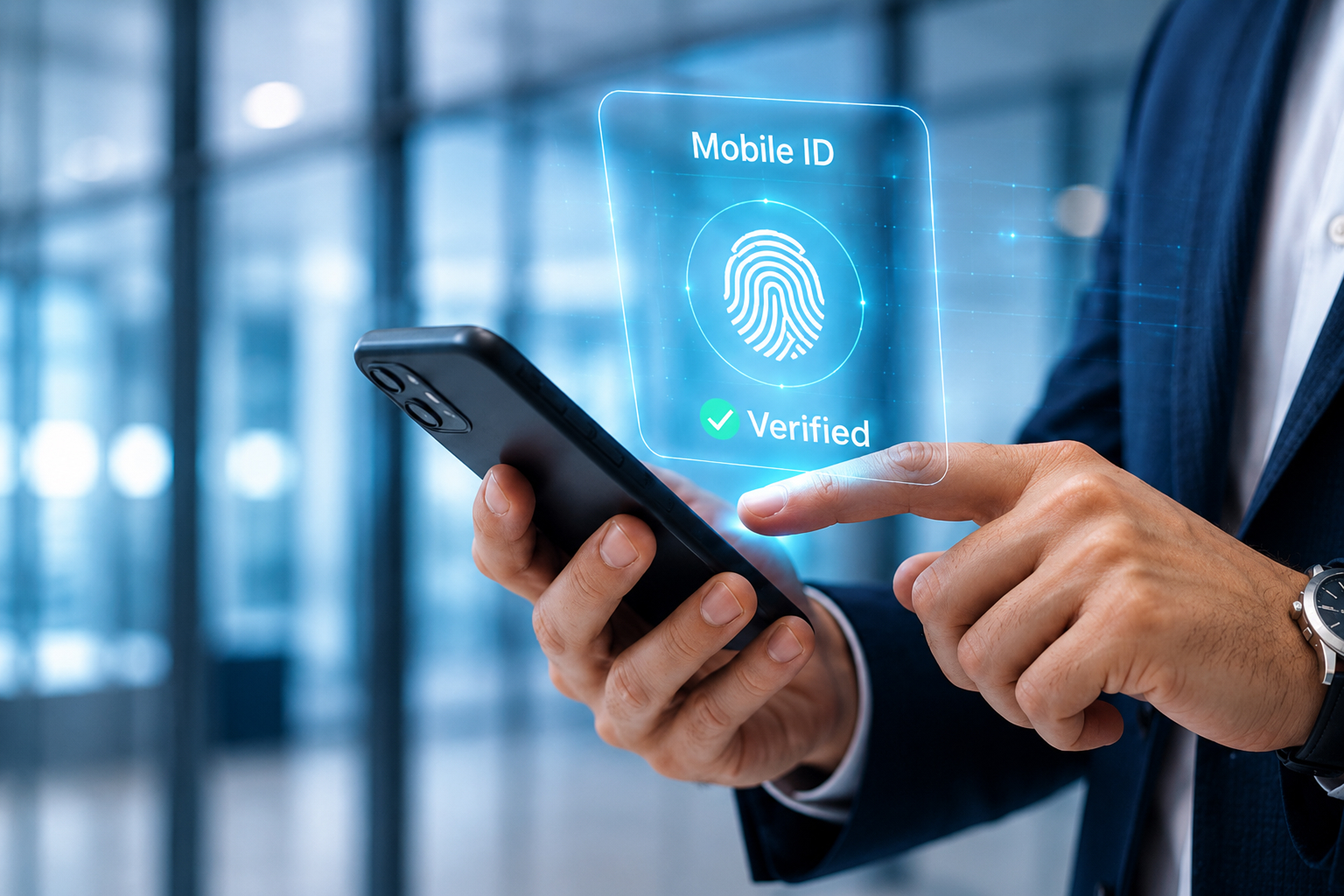
Our mission is to build trust in a digital world through secure, privacy-first identity experiences. From onboarding to every interaction, we design each step for protection, reliability, and ease.
We don’t just deliver solutions—we create technology organisations and individuals can depend on. We never share your data, ensuring Mobile ID remains secure and trusted at all times.
Trusted Platform
Secure Identity
Privacy First
Encrypted Access
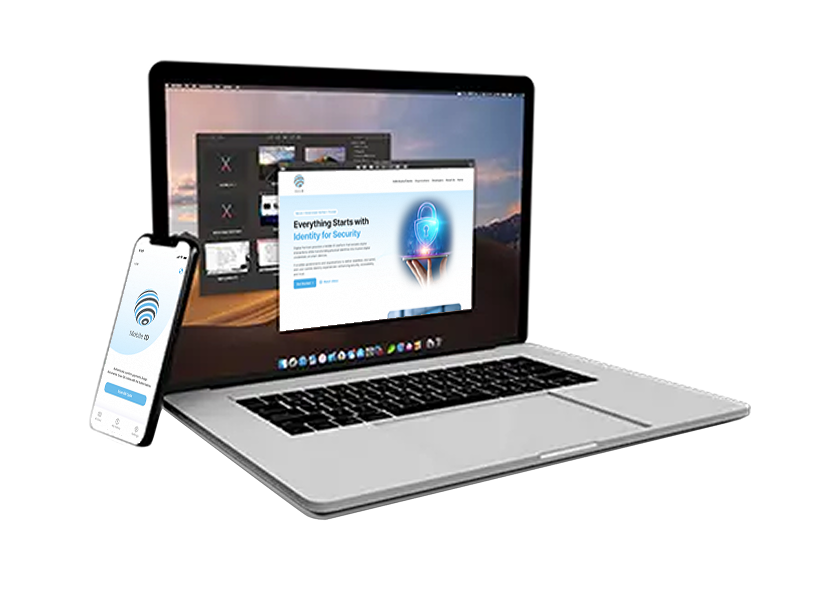
Mobile ID transforms physical identity into a secure digital experience. By centralising government-issued credentials into a mobile platform, users can verify who they are instantly—without relying on physical documents.
With one trusted identity, users can access banking, government, and digital services securely. Built with strong authentication and end-to-end encryption, Mobile ID protects personal data while simplifying everyday interactions.
One secure identity
Seamless access across services
Encrypted and privacy-first
Mobile ID supports four core functions across identity and digital service interactions.
01
A citizen signs in to a public or private service using their credential and a PIN or biometric, replacing passwords and one-time SMS codes. The citizen initiates the flow.
02
The details of a transaction are sent to the citizen’s registered device. They see what they are approving before they approve it, and the approval is signed by their own key.
03
Documents, consents and permissions are signed with the citizen’s key, producing an approval record tied to a specific person, a specific device and a specific request.
04
A relying party confirms a citizen’s identity against the authoritative government record, in seconds, by QR. The citizen approves the disclosure and no underlying document changes hands.
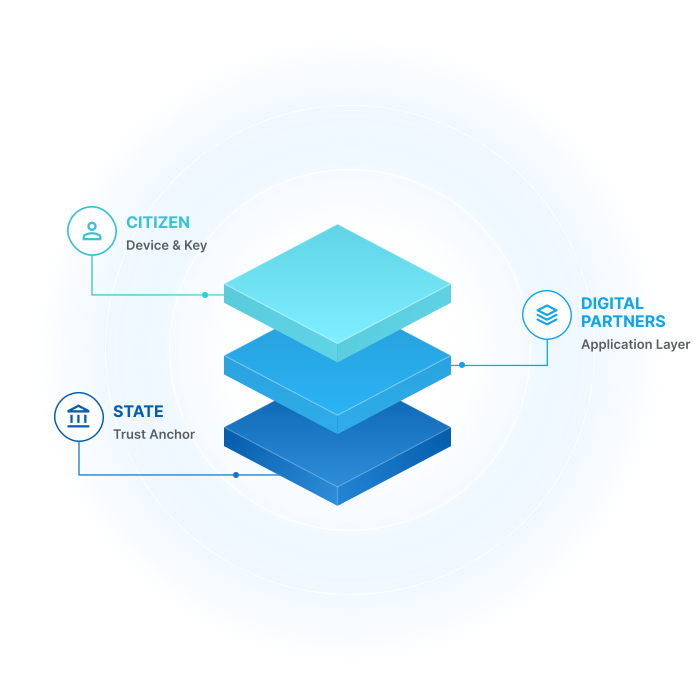
A national identity system rests on a trust anchor: the root that decides which certificates are genuine. That anchor belongs to the state and should stay there. Digital Partners is not a certification authority and does not ask to become one.
Mobile ID is the citizen-facing layer above that root. Where a country has already invested in a national PKI, Mobile ID builds on that investment rather than standing up a parallel system alongside it.
The state owns the root, the certificate policy and the identity data.
Digital Partners provides the application, the device layer and the verification experience.
The citizen holds their own key, on their own device, under their own control.
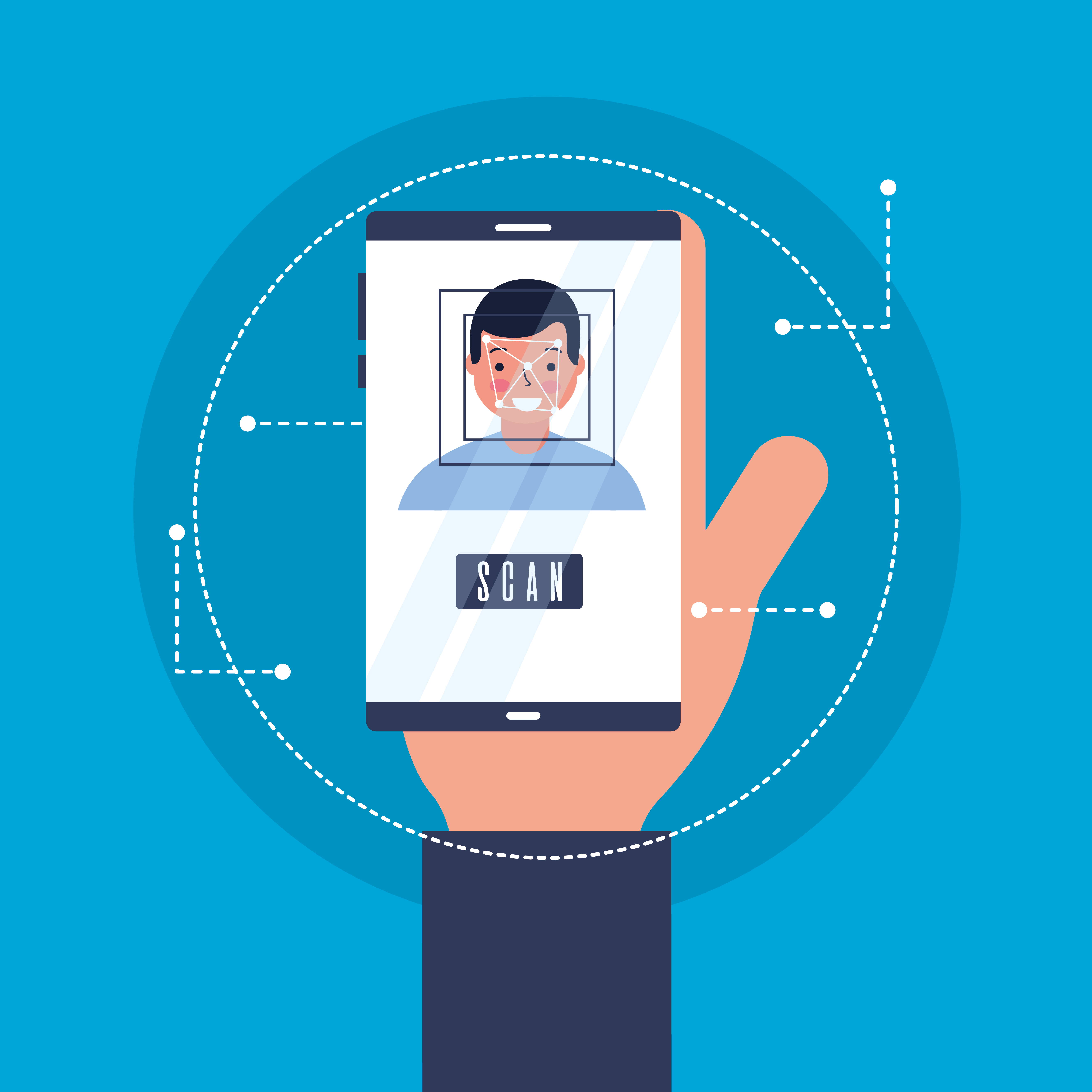
A secure, scalable, and seamless identity solution designed to simplify authentication and protect user data.
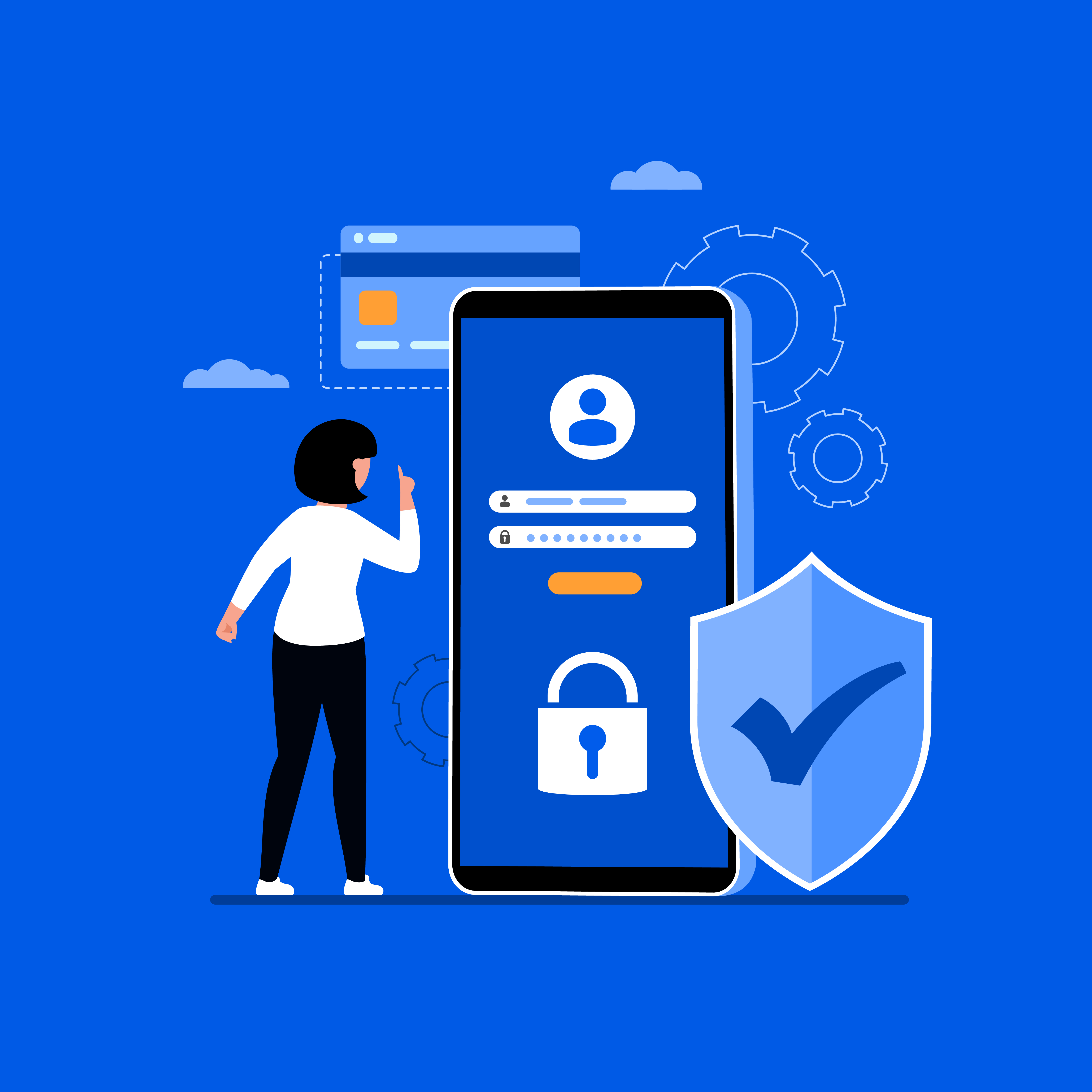
Security is at the core of Mobile ID. Strong encryption and authentication protect your data, ensuring every interaction remains secure.
Access your services quickly and securely. Mobile ID enables fast authentication across platforms, reducing complexity and improving user experience.
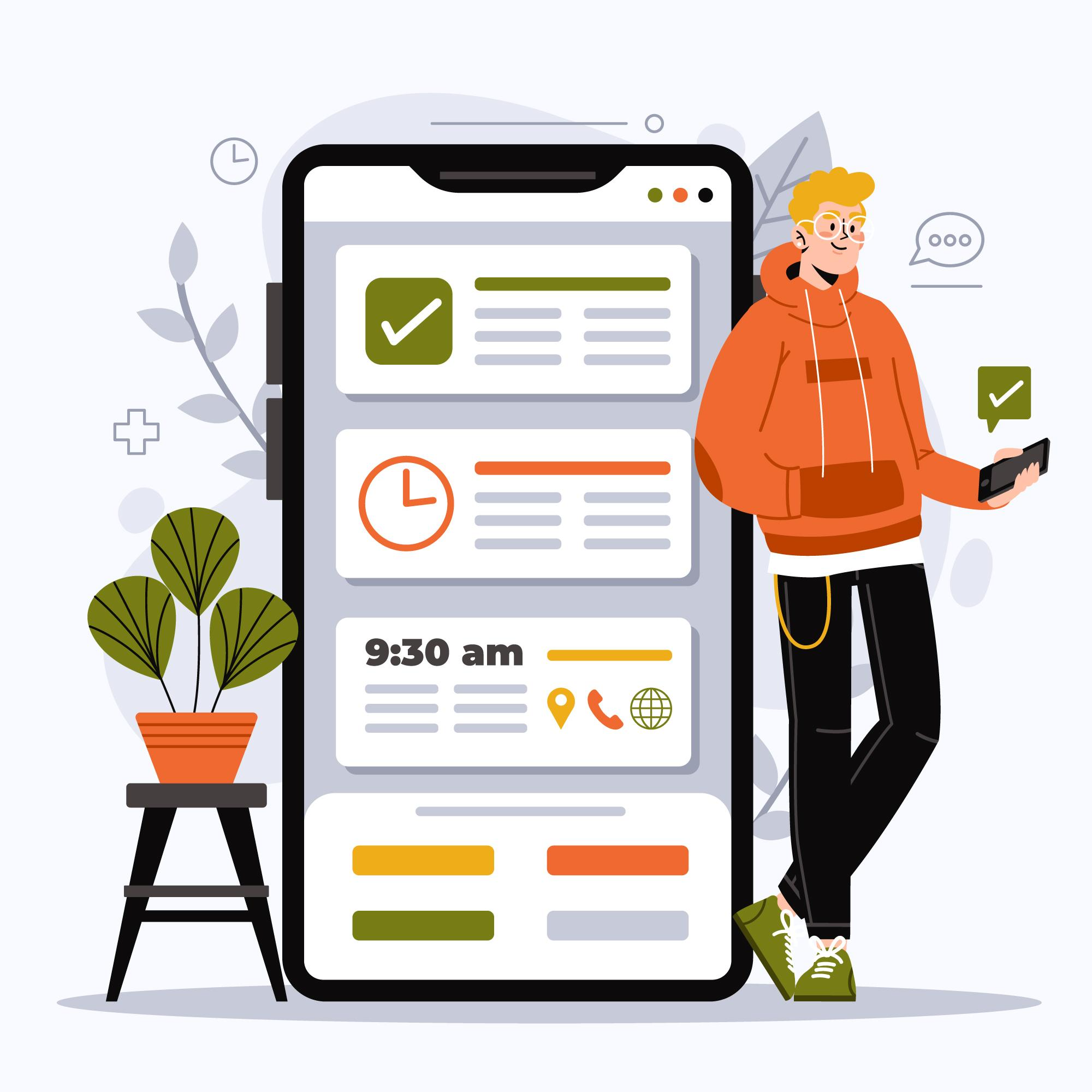
Use a single, unified identity across platforms—from banking to e-commerce—making every interaction simple and seamless.

Your data remains in your control. Choose what to share and when, with full privacy and protection.
Seamlessly manage digital identity verification, access and secure interactions through enterprise-grade Mobile ID infrastructure.
Detect and respond to fraud in real time with intelligent workflows—reducing risk while maintaining compliance.
Deliver fast, secure access while maintaining full control over permissions and protecting sensitive data.
Sign documents securely with legally compliant digital signatures, backed by verifiable digital evidence.
Enable secure onboarding with trusted data sources, ensuring accuracy, compliance, and a smooth user experience from the start.
Mobile ID is designed against the standards and frameworks governments use to assess national digital identity systems.
Inclusion, sovereignty and no vendor lock-in.
Identity assurance aligned to global AML expectations.
Certificate-based trust, issued under the state’s own PKI.
KVKK compliant, GDPR aligned, data resident in country.
Update of the ISO certifications to the new company name is in progress.
Everything you need to know about Mobile ID — secure, simple, and trusted digital identity experiences.
Mobile ID is a secure digital identity solution that allows users to authenticate themselves, authorize payments and securely electronically sign documents across various services, including banking, government platforms, and online portals, using smart devices like mobile devices.
To register for Mobile ID, users should download the Mobile ID app from the appropriate app store, visit a designated office appointed by their authorizing authority for identity verification, and complete the process with assistance from an authorized representative.
Users will need a valid authority-issued ID that has been chosen to hold the unique number for the registration/activation, such as a passport or national identity card, to verify their identity during the registration/activation process.
Yes, Mobile ID employs encryption and government-verified identity records to maintain a high level of security for both users and organisations. It eliminates the need for multiple passwords, ensuring a seamless and secure experience.
No, Mobile ID is linked to a single mobile device or smart device like an iPad for security reasons. If users change devices, they will need to re-register Mobile ID on the new device.
Yes, organisations can integrate with the Mobile ID solution by applying to the relevant ministry or government office that is designated for organisations integration. They can then use the Mobile ID solution in their systems using tailored APIs for secure identity management.
After registration, organisations will receive customized APIs, enabling them to integrate Mobile ID into their existing platforms, ensuring secure and efficient identity management and service delivery to all their clients.
Yes, the Mobile ID app is available for download on both iOS and Android devices via their respective app stores.
If a user loses their phone, they should contact Mobile ID support to deactivate their Mobile ID on the lost device. To use Mobile ID on a new phone, the user will need to speak to the designated support team for assistance. The user/client might need to revisit the registration government office to re-activate their Mobile ID.
If users do not find the solution to their query in the app, they should go to Settings > Help and navigate to the relevant website's Contact Us section to raise their question with the support team on available channels.
The issuing authority owns the identity data and the trust anchor. Citizen data and cryptographic keys sit inside government infrastructure. Digital Partners holds no access to citizen data and no data is shared with any third party beyond what the issuing authority explicitly authorises.
Empower your organization with a trusted, scalable, and secure digital identity solution built for modern digital interactions.